AI documentation that actually updates itself
Create self-updating product docs, knowledge bases, API references, and help centers. An AI agent reads your codebase, support tickets, and user feedback, then drafts the changes for you to approve.
Live in under 5 min · No credit card required

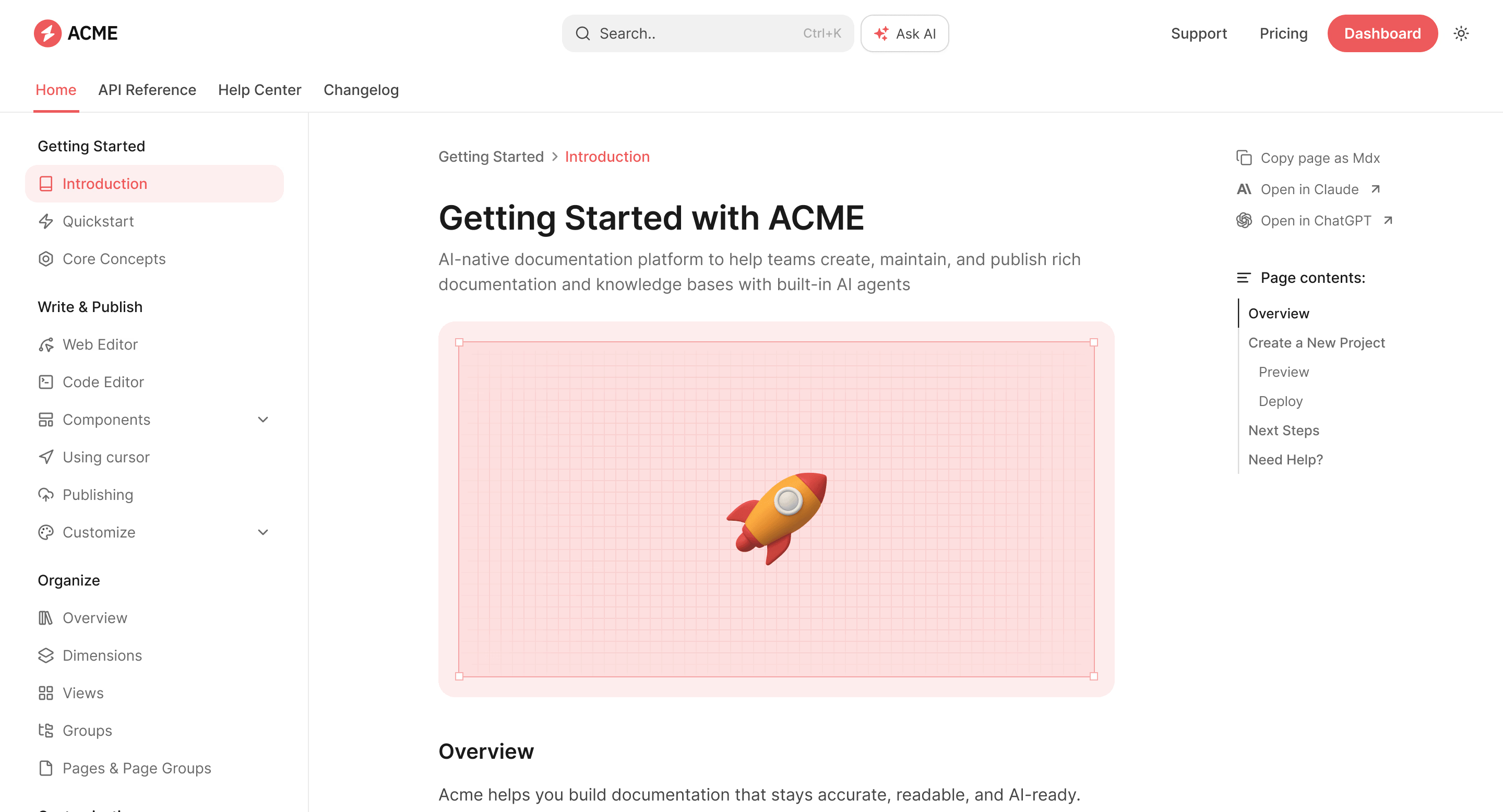
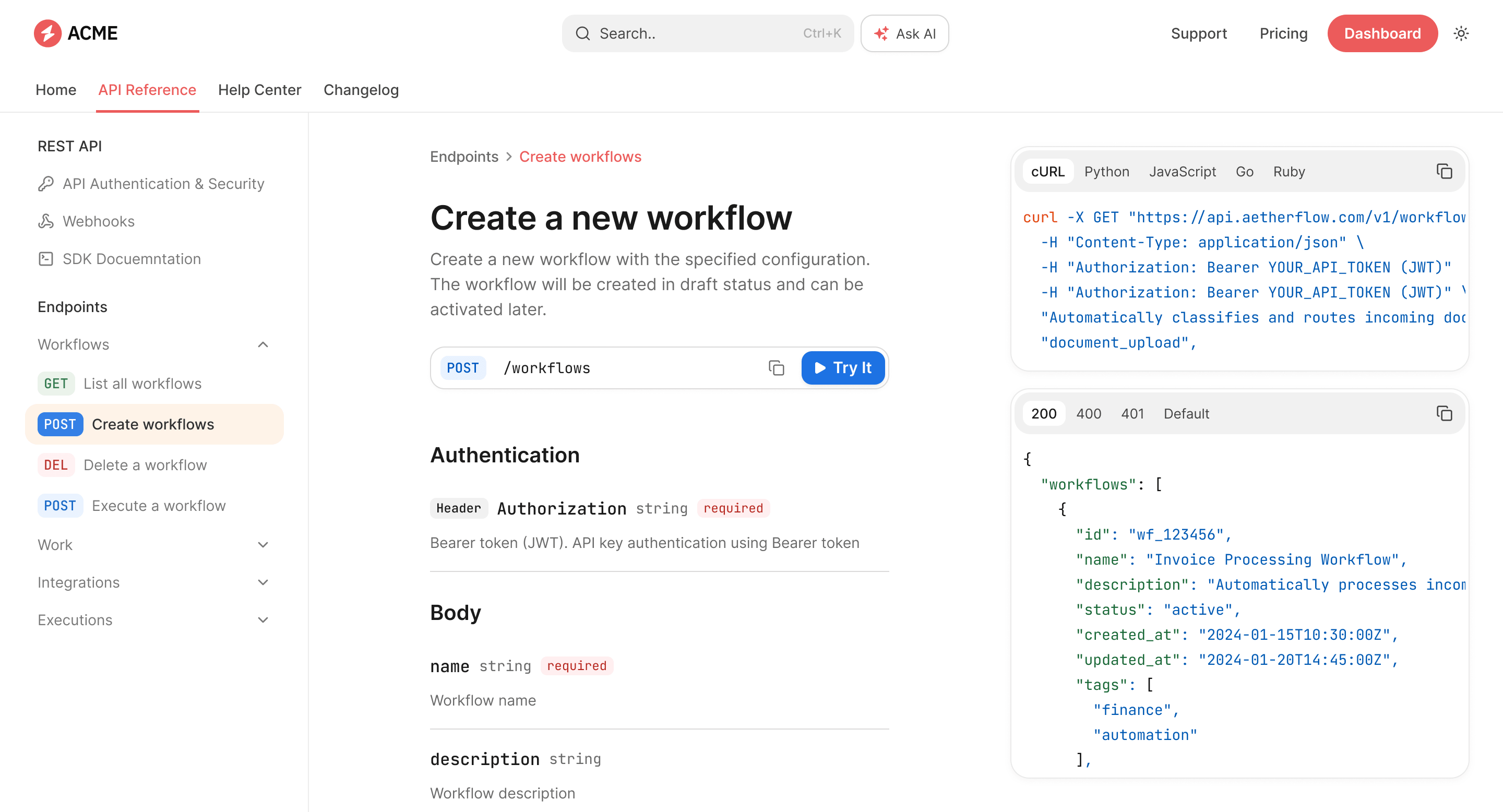
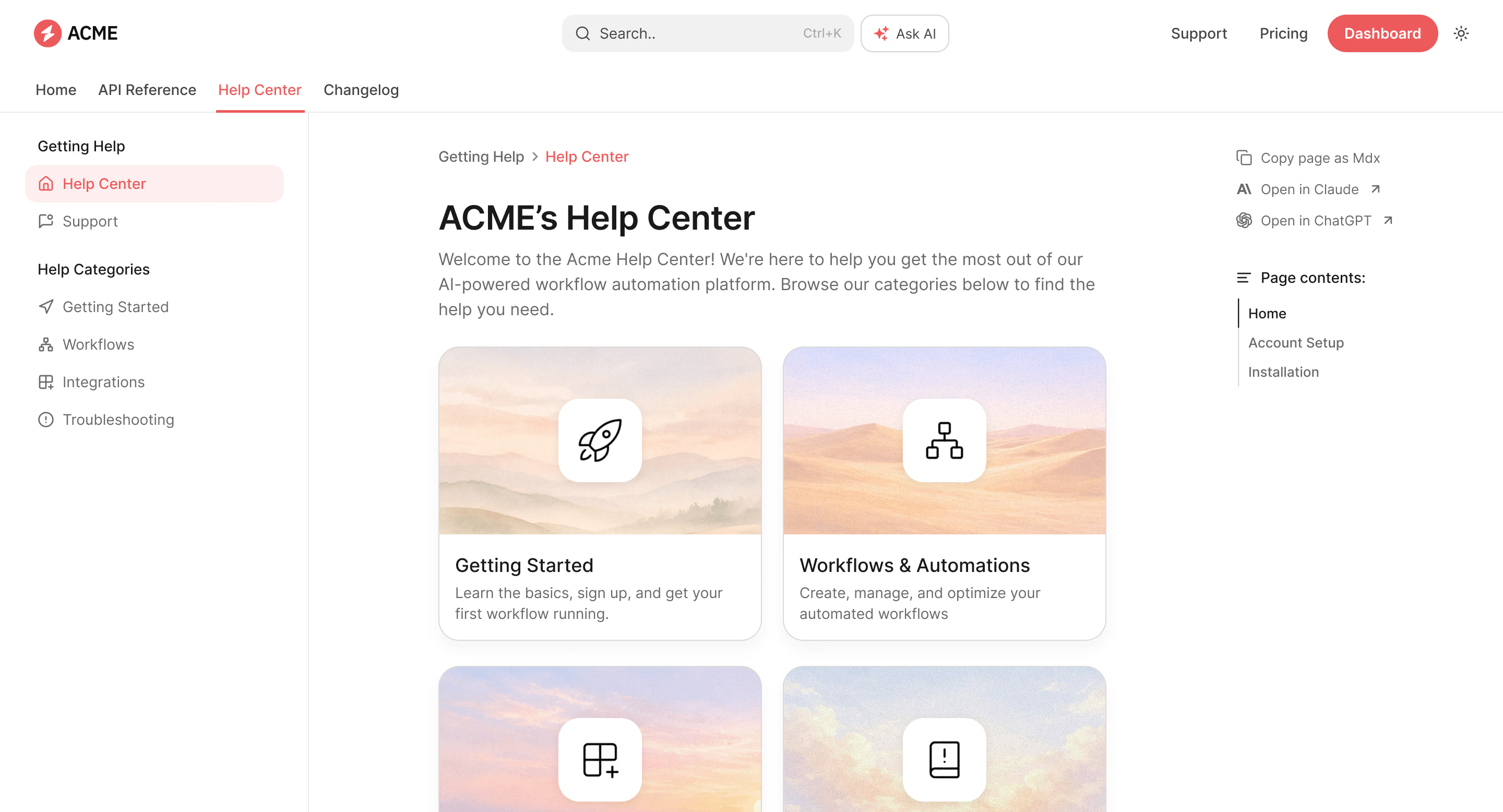
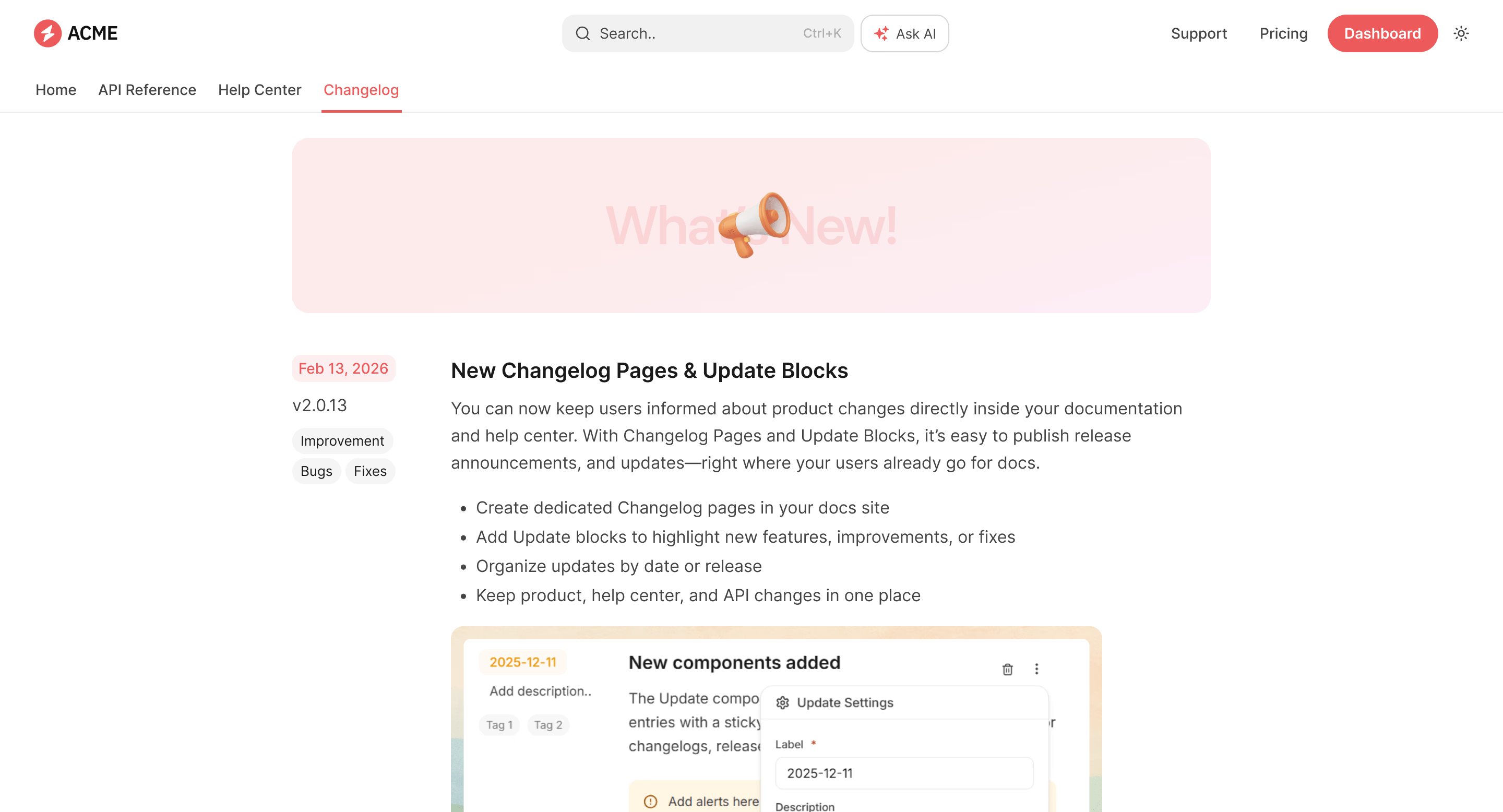
How it works
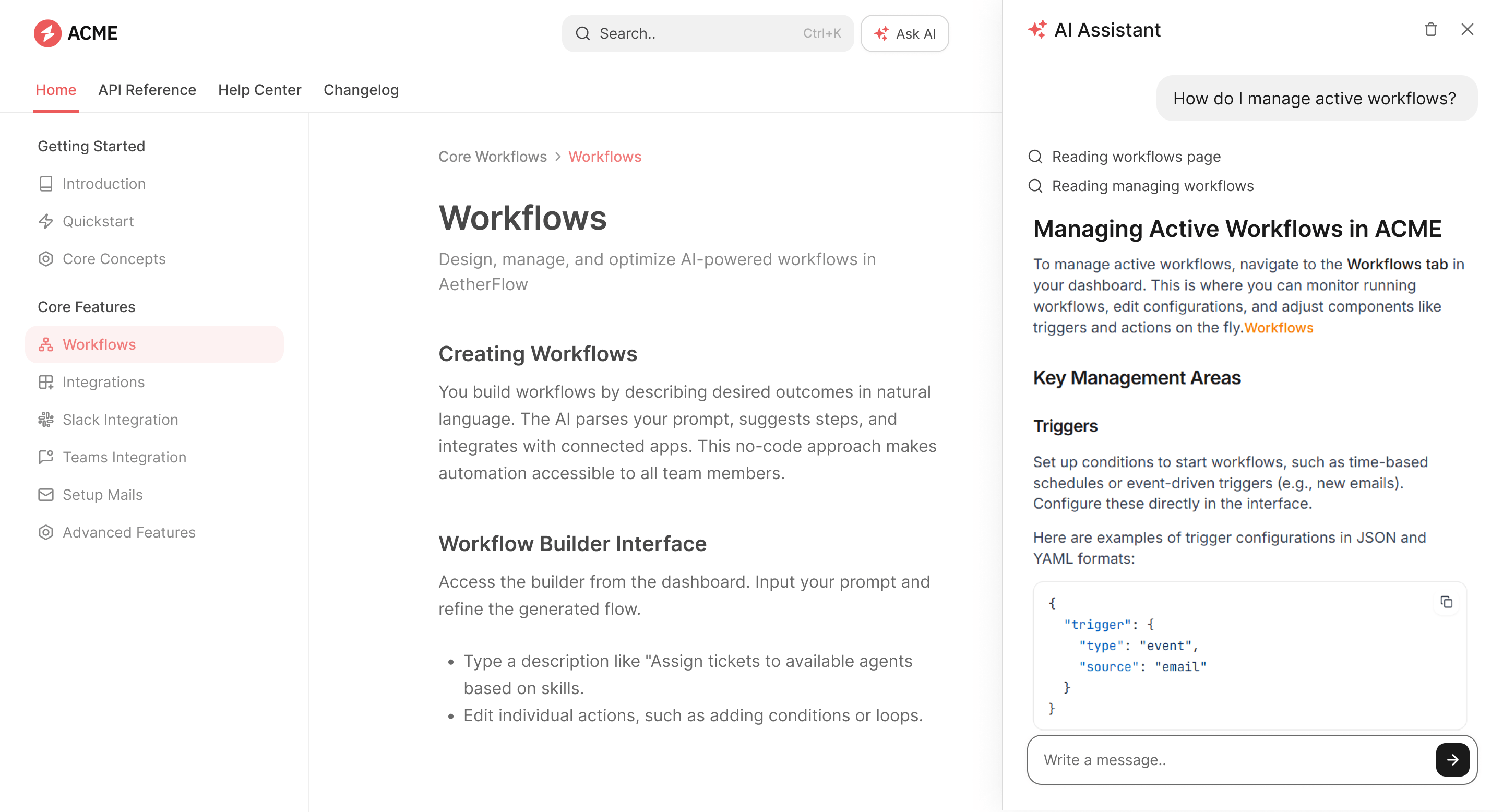
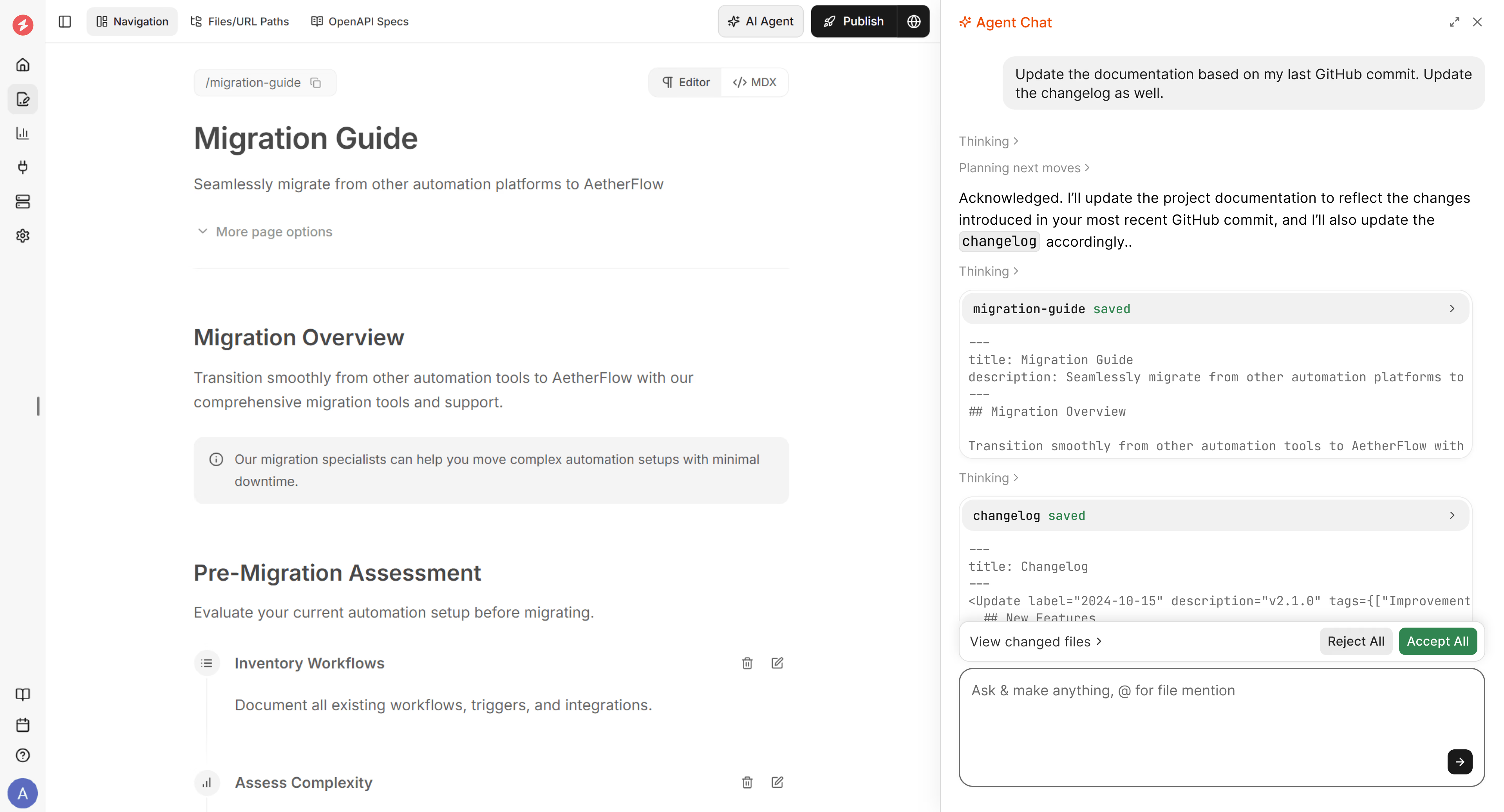
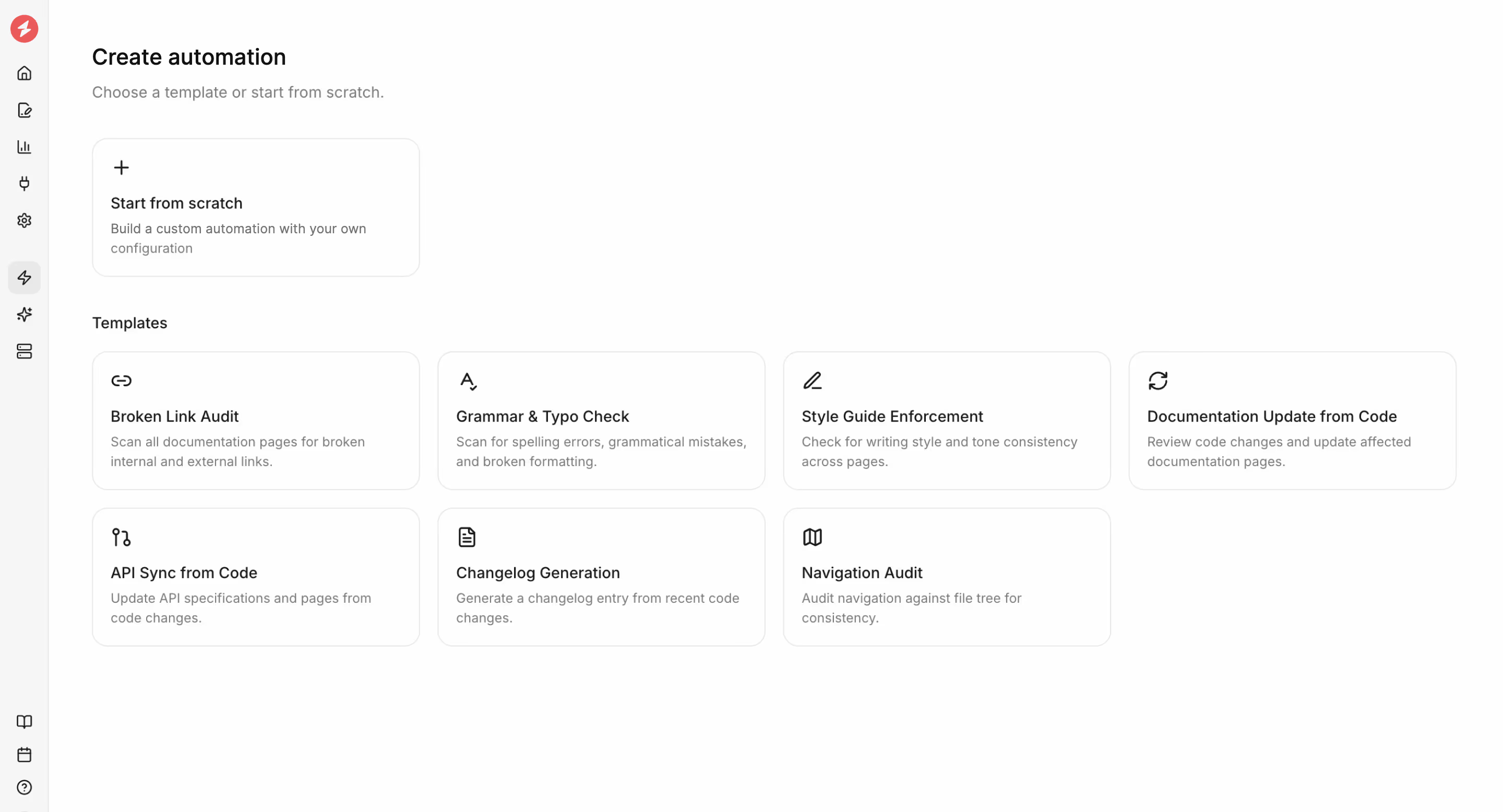
From a code change to a cited answer, automatically
Trusted by product teams at







Beautiful, lightning fast docs that drive adoption
Your docs double as a conversion engine, so we obsess over design and speed for you. Every page ships pixel-perfect, responsive, accessible and ridiculously fast.
Pixel-perfect
Crisp typography, accessible colors, dark-mode ready.
Fully customizable
Swap colors, fonts, layouts, or inject your own CSS & JS.
Templates & components
100+ reusable blocks for every need, from callouts to code tabs.
Lightning fast
Faster docs that hit 100/100 Lighthouse score across performance, accessibility and SEO.
AI Documentation Agent to keep your docs up to date
Automations run the maintenance loop for you. A trigger starts a run, the agent drafts the update in the background, and nothing ships until you approve it.


Docs as code, without locking anyone else out
Write in Markdown and MDX in your own editor with full Git sync, or in the web editor. Same docs, same review, same publish.
Web Editor with AI Agent
Notion-style editor with drag-and-drop blocks, slash commands, and a built-in AI Agent so anyone can create docs like a pro.
Docs as code
Write in Markdown/MDX, keep docs in Git with branches, PRs and preview builds, and use Cursor or other AI IDEs alongside your code.
Analytics
See page views, search terms, and drop-offs to target improvements.
In-editor AI agent
Generate rewrites, summaries, and code samples inside editor.
Integrations
Connect GitHub, Slack, Jira, Linear, and more in seconds.
Built for humans, optimized for AI
Documentation that’s cleanly structured so people, LLMs, and AI agents can read, navigate, and use it with pinpoint accuracy.
Structured content
Headings, code blocks, parameters, and examples are structured for precise LLM chunking and high-quality retrieval, so AI tools surface the exact section users need instead of guessing across pages.
Auto-generated llms.txt
Creates a single source of truth for AI assistants and improves SEO discoverability by exposing clean, structured content.
Up-to-date information for AI agents
LLMs have fixed training cutoffs and can miss new information. Your docs give AI agents real-time information, so they always see the latest updates, not outdated snapshots.
MCP server
Surface the same up-to-date docs in chatbots, coding agents, and in-product overlays.
More reasons users love your documentation
Agentic AI assistant
Users ask questions and get instant, accurate, cited answers right where they read and work.
Interactive API playground
Test endpoints, tweak parameters, and copy ready-to-run code snippets directly from the docs.
Feedback
Collect precise feedback from users directly on every page.
Latest from the blog

What Is llms.txt, and Does It Help AI Search?
llms.txt is a short Markdown map of a site, written for AI agents instead of people. We read ten weeks of traffic on the documentation sites we host, and every Agent Score scan, to see who reads docs, what the file changes, and where most files go wrong.

What Is an LLM Wiki? Steps to Build One for Your Team or Business
The LLM Wiki started as a pattern for one person and a folder of notes. A team has more knowledge, more sources, and more to lose when it goes stale. Here is how the pattern changes for a team, how our marketing team runs one, and how to build your own on Documentation.AI.

How to Create AI Documentation for AI Agents and LLMs: A Step-by-Step Guide
AI agents already read your documentation, usually one fetched passage at a time. A seven-step guide to agent-ready documentation, organized around the three measures of agent readiness: access, freshness, and answerability.
Frequently Asked Questions (FAQs)
Find quick answers to the most asked questions about Documentation.AI.
What is an AI documentation platform?
An AI documentation platform helps you create, maintain, and publish docs that are structured for both humans and AI, with an agent that keeps content fresh and an assistant that answers questions inside your docs.
How is Documentation.AI different from other AI documentation software?
Documentation.AI is built AI-native from the ground up: docs are cleanly structured for LLM retrieval, an agent writes alongside your product, and everything is exposed to AI tools via llms.txt and MCP.
How hard is it to migrate from Mintlify, GitBook, or ReadMe?
Your content moves as files. Docs are Markdown and MDX with bidirectional Git sync, and OpenAPI specs import directly to generate API reference pages. Videograph moved across from ReadMe and now maintains its product and API docs with AI Automations.
Will the AI publish changes without my review?
No. The Documentation Agent drafts suggestions, rewrites, and updates for you to review. Nothing reaches your readers until someone on your team approves and publishes it.
What features should I look for when choosing AI documentation tools?
Look for structured content for LLM retrieval, an AI writing/maintenance agent, an in-docs assistant, MCP support, analytics, and fast, accessible, customizable publishing.
Can AI documentation tools automatically create and update technical content?
Yes. The Documentation Agent drafts, rewrites, and formats content, and monitors product changes to surface docs that are out of date before your users notice.
Ready to build docs that humans and AI love with Documentation.AI?
Live in under 5 min · No credit card required